Add an LLM provider
Connect a provider to start working with agents.
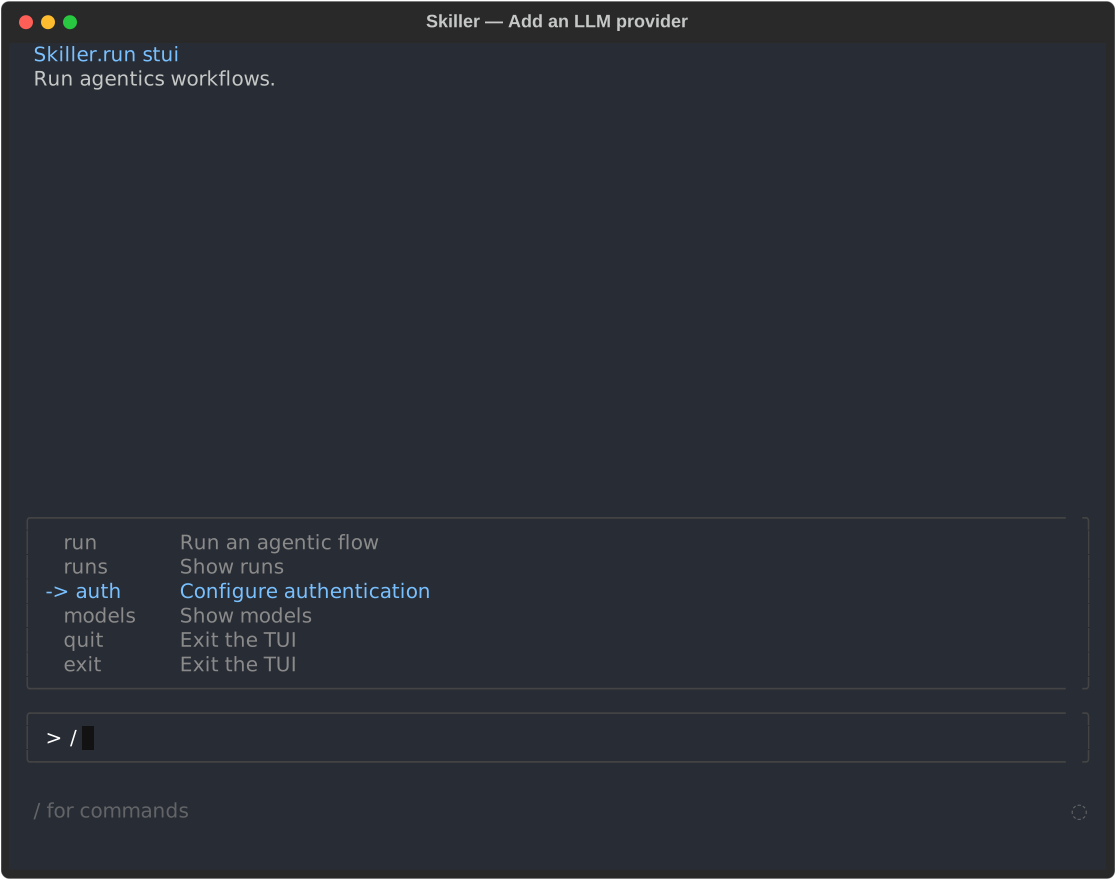
Launch the Skiller TUI
Section titled “Launch the Skiller TUI”Run skiller to open STUI, a terminal interface to run, observe, and interact with agentic flows.
skillerChoose your provider
Section titled “Choose your provider”On first launch, Skiller opens the provider setup automatically.
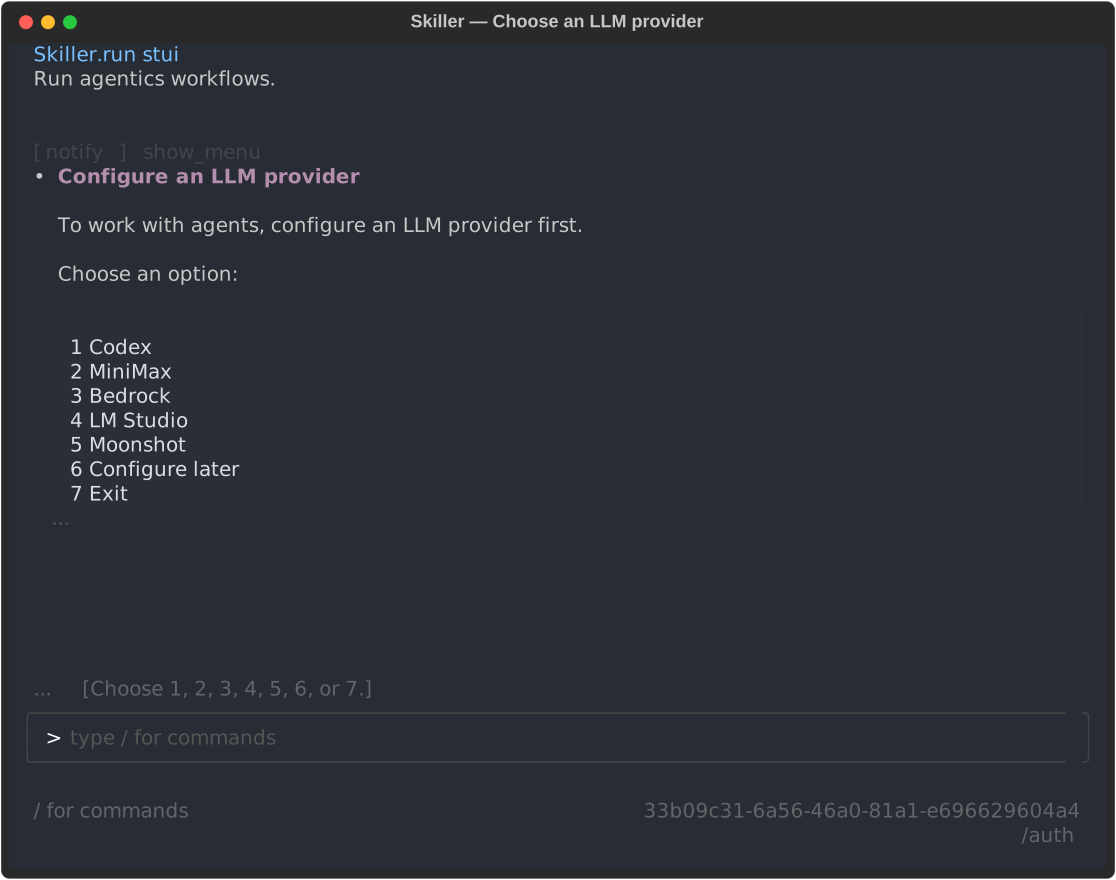
Follow the setup until your connection is verified.
Add more providers
Section titled “Add more providers”Skiller supports multiple LLM providers. Type /auth in STUI whenever you want to add another provider.