Create a custom agent
Build helper, an agent that responds to tasks and waits for the next message. Before starting, configure an LLM provider.
Agent flow
Section titled “Agent flow”Create helper/helper.yaml in your working directory. This flow receives a task, runs the agent, and waits for another task.
name: helperdescription: "A helpful custom agent"version: "0.1"start: ask_user
steps:  - wait_input: ask_user    prompt: "Write a task."    next: helper
  - agent: helper    config:      file: "~/.skiller/profiles/agent.helper.json"    system:      file: "./system.md"    task: '{{output_value("ask_user").payload.text}}'    tools:      - shell    next: ask_user
System prompt
Section titled “System prompt”Create helper/system.md to define the purpose and behavior of the agent.
You are helper, a helpful assistant.Help the user understand and explore their project.Reply in the language of the user and keep answers clear and concise.Ask for clarification when essential information is missing.Do not claim to have performed actions that you have not performed.Agent profile
Section titled “Agent profile”Create ~/.skiller/profiles/agent.helper.json, including the directory if needed. This profile inherits your configured provider and model, and allows basic shell commands in the Runtime working directory.
{ "tools": { "shell": { "allowed_paths": ["{{runtime.cwd}}"], "allowed_commands": ["pwd", "ls", "find", "cat", "head", "tail", "wc", "rg"], "allowlist_enabled": true }, "files": { "read": [], "write": [], "all": [] } }}Run the agent
Section titled “Run the agent”Open STUI with skiller from the directory containing helper/, then enter:
/run @helper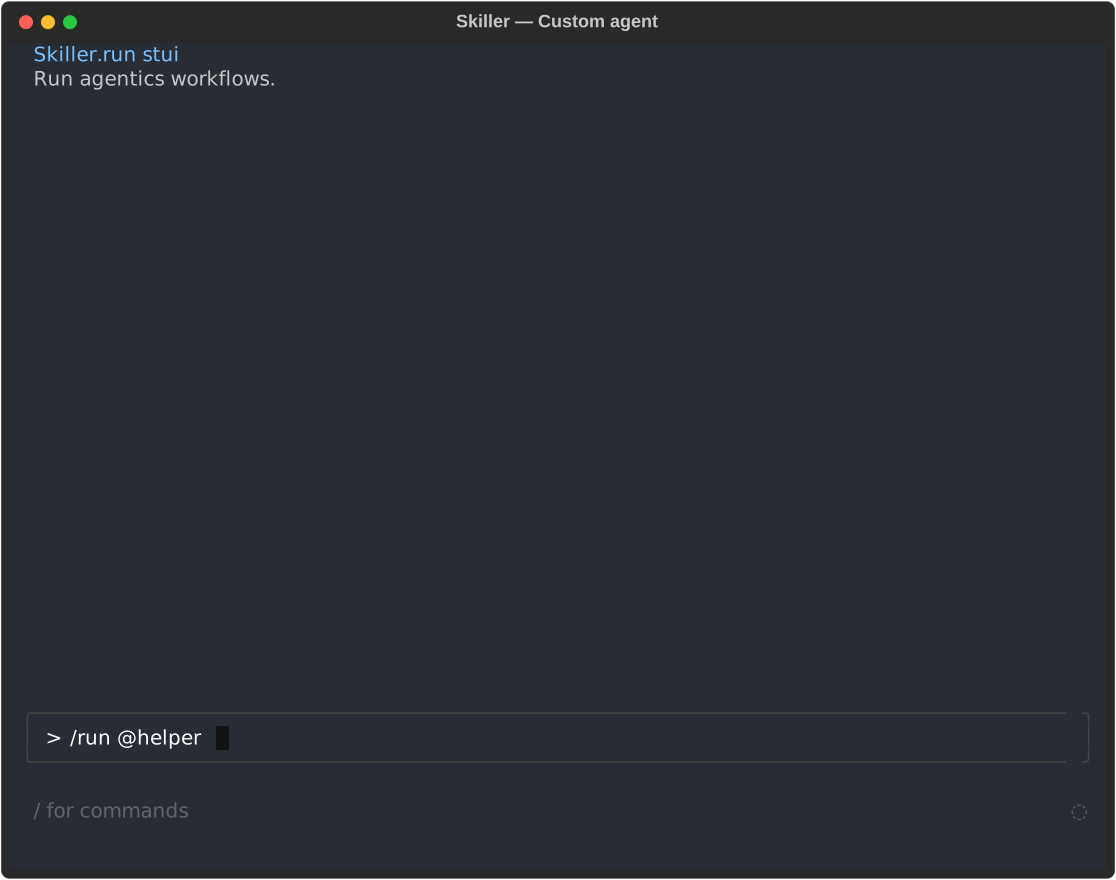
The agent waits for your first task.
Use the CLI instead
From the directory containing helper/, run:
skiller run @helperCopy the returned run_id, then send a task:
skiller input receive <run_id> --text "Describe what you can help me with." --waitReuse that run_id for subsequent tasks. To inspect responses or failures:
skiller status <run_id>skiller logs <run_id>If you are following a tutorial with Flows, use this alternative to keep that conversation active in STUI.
Send a task
Section titled “Send a task”In STUI, type:
Show the current working directory and list its top-level entries.
The agent uses the shell tool, responds in the transcript, and waits for your next message. Each task calls the configured model.
To customize its behavior, edit helper/system.md and send another task.